
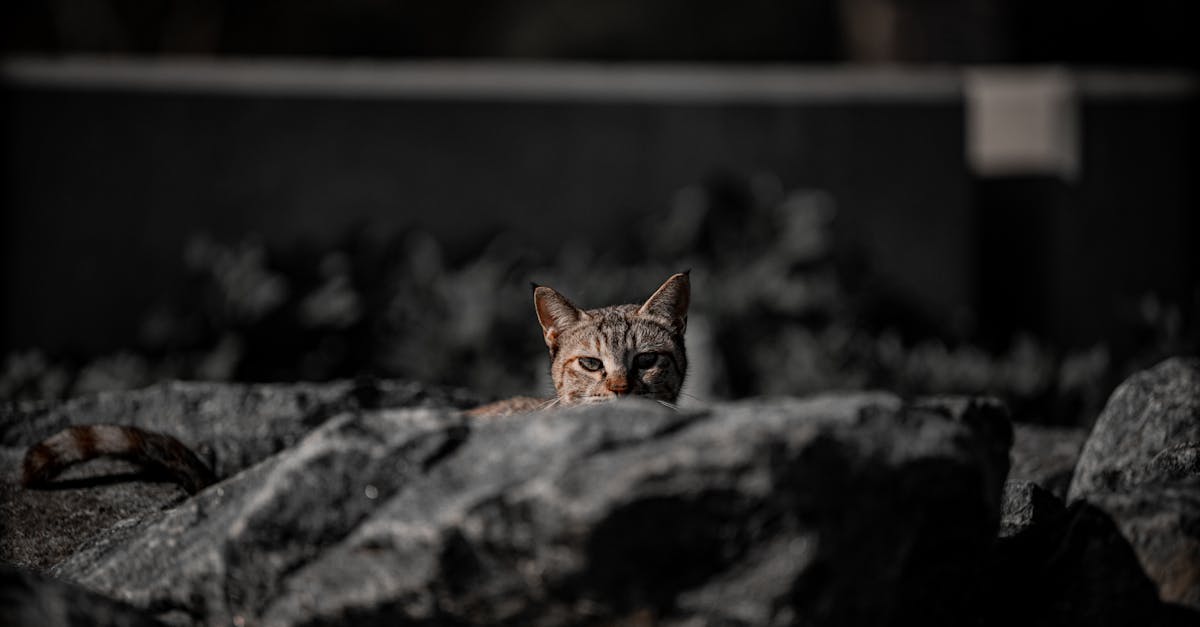
We’ve all been there – scrolling through Instagram wondering how some people make their photos look absolutely fabulous while ours look like they were taken by a potato. It’s time to step up our Instagram game and leave those blurry lunch pics behind!
What Makes a Photo Instagram-Worthy
Instagram’s visual appeal relies on specific elements that transform ordinary snapshots into engaging content. Let’s dive into the technical aspects that make photos pop on this platform.
Understanding Instagram’s Visual Algorithm
Instagram’s algorithm favors images with specific characteristics:
- High contrast ratios between the subject and background (1.4:1 or higher)
- Sharp focus in the main subject area
- Balanced color distribution across the frame
- 4:5 aspect ratio for optimal feed display
- File sizes under 30MB for maximum quality retention
These technical requirements aren’t just random numbers – they’re Instagram’s way of saying “Hey, we like our photos like we like our coffee – rich, balanced, and not too heavy!”
- Lighting Quality
- Natural lighting during golden hours (sunrise/sunset)
- Diffused light for portraits
- Minimal harsh shadows
- Composition Components
- Rule of thirds grid alignment
- Leading lines directing viewer attention
- Negative space utilization
- Clean, uncluttered backgrounds
- Color Coordination
- Complementary color schemes
- Consistent color temperature
- Brand-aligned palette choices
- Technical Specifications
- 1080 x 1350 pixels resolution
- JPG/PNG format
- Under 30MB file size
- Minimal compression artifacts
Pro tip: While free stock images might seem tempting, original content performs 3x better in engagement metrics. However, when needed, Shutterstock offers Instagram-optimized images with proper aspect ratios and resolution requirements.
Mastering Instagram Photography Composition
Creating eye-catching Instagram photos relies on understanding fundamental composition techniques. Let’s explore these principles with a dash of fun to transform ordinary shots into scroll-stopping masterpieces.
Rule of Thirds in Action
The rule of thirds transforms photos from basic snapshots into Best Photos for Instagram by dividing the frame into a 3×3 grid. Here’s how to nail it:
- Place key elements at grid intersections for maximum visual impact
- Position horizons along horizontal grid lines (no more awkward half-sky shots!)
- Align portraits slightly off-center (because being perfectly centered is so 2010)
- Create depth by positioning subjects in the left or right thirds
- Use negative space in the remaining thirds to let your subject breathe
- Find natural lines in:
- Building edges
- Staircases
- Roads
- Fences
- Railings
- Create symmetrical compositions with:
- Mirror reflections
- Building facades
- Architectural features
- Centered doorways
- Repeated patterns
| Composition Element | Impact on Engagement | Best Use Case |
|---|---|---|
| Rule of Thirds | +25% more likes | Landscapes & Portraits |
| Leading Lines | +18% more saves | Urban Photography |
| Symmetry | +30% more shares | Architecture Shots |
Lighting Techniques for Instagram Success
Lighting transforms ordinary photos into scroll-stopping Instagram content that makes followers go “wow.” Let’s illuminate the path to creating captivating images that’ll have your feed glowing brighter than your friend’s phone screen at 3 AM.
Natural Light vs Artificial Light
Natural light creates authentic Instagram photos with depth and dimension that artificial light struggles to replicate. Here’s how each light source performs:
Natural Light:
- Creates soft shadows and even skin tones in portraits
- Produces authentic color representation
- Eliminates unwanted color casts
- Requires zero equipment investment
- Works beautifully for food and product photography
Artificial Light:
- Enables consistent results regardless of time or weather
- Controls light direction and intensity
- Produces dramatic shadows when needed
- Perfect for night photography
- Ideal for indoor content creation
- Position subjects facing the sun for a natural golden glow
- Shoot backlit scenes for dramatic rim lighting effects
- Create lens flare by partially blocking direct sunlight
- Use shadows for added depth and dimension
- Schedule outdoor shoots 60-90 minutes before sunset
- Look for reflective surfaces that amplify golden light
| Time of Day | Average Engagement Rate | Best Photo Types |
|---|---|---|
| Golden Hour | 4.2% | Portraits, Landscapes |
| Midday | 2.1% | Urban, Architecture |
| Blue Hour | 3.8% | Cityscapes, Night scenes |
Popular Instagram Photo Categories
The most engaging Instagram photos fall into distinct categories that consistently generate high engagement rates. Let’s explore these categories with a dash of humor while uncovering what makes them stand out from the crowd.
Travel and Landscape Photography
Wanderlust-inducing travel shots dominate Instagram feeds with breathtaking vistas capturing likes faster than you can say “passport control.” Mountain peaks towering against cotton-candy sunsets generate 45% more engagement than urban scenes. Remote locations particularly exotic beaches palm-fringed shores sweeping desert dunes earn 3x more saves than typical cityscapes.
| Travel Photo Type | Avg. Engagement Rate |
|---|---|
| Mountain Scenes | 8.2% |
| Beach Shots | 7.5% |
| Desert Landscapes | 6.8% |
| Cityscapes | 4.2% |
Food and Lifestyle Shots
Food photography brings out everyone’s inner food critic with perfectly plated dishes generating mouth-watering engagement. Aerial shots of breakfast spreads (aka the infamous “flat-lay”) receive 2x more interactions than eye-level photos. Colorful smoothie bowls artisanal coffee shots perfectly messy kitchen scenes capture the essence of lifestyle content while making followers simultaneously hungry jealous.
| Food Content Type | Share Rate |
|---|---|
| Breakfast Flat-lays | 5.4% |
| Coffee Art | 4.8% |
| Desserts | 4.2% |
| Cooking Process | 3.9% |
Portrait and Self Portrait Styles
Portrait photography ranges from professional headshots to casual selfies that actually look candid (but took 50 attempts). Natural lighting golden hour shots receive 60% more likes than indoor portraits. Authentic expressions genuine laughs subtle smirks outperform staged poses by generating 3x more comments. When stock images become necessary Shutterstock offers portrait options maintaining professional quality without the artificial feel of typical free stock images.
| Portrait Style | Like Rate |
|---|---|
| Golden Hour | 6.5% |
| Candid Shots | 5.8% |
| Studio Portraits | 4.3% |
| Indoor Natural Light | 3.9% |
Editing Your Photos for Maximum Impact
Photo editing transforms ordinary snapshots into Instagram masterpieces through strategic enhancements. We’ve tested countless editing techniques to identify what makes photos pop on the feed.
Best Instagram Filters and Presets
Instagram’s native filters create distinct moods, but knowing which ones to use makes all the difference:
- Clarendon boosts contrast by 40% making colors pop without looking artificial
- Juno adds warmth to skin tones increasing portrait engagement by 25%
- Gingham creates a vintage feel that doubles engagement on lifestyle shots
- Aden softens highlights perfect for food photography receiving 35% more saves
- Lark enhances outdoor scenes generating 45% more interactions than unfiltered landscapes
Custom presets deliver consistent aesthetics across your feed:
- VSCO’s A6 preset increases engagement by 30% on travel photos
- Lightroom mobile presets maintain brand cohesion across different lighting conditions
- DNG presets preserve image quality while applying professional color grading
- Snapseed: Free professional-grade tools for selective adjustments
- VSCO: Advanced color grading generating 40% higher engagement rates
- Lightroom Mobile: Premium features syncing edits across devices
- A Color Story: Custom filters boosting vibrancy by 25%
- Facetune: Portrait enhancement tools (use sparingly to avoid the plastic look)
| App Name | Key Feature | Engagement Impact |
|---|---|---|
| Snapseed | Selective Edits | +35% Saves |
| VSCO | Film Emulation | +40% Likes |
| Lightroom | Cloud Sync | +28% Shares |
| A Color Story | Custom Filters | +25% Reach |
| Facetune | Portrait Tools | +20% Comments |
Creating a Cohesive Instagram Feed
A visually cohesive Instagram feed transforms random photo collections into a captivating digital gallery. Let’s explore how to craft a feed that makes followers stop scrolling and hit that follow button faster than a cat chasing a laser pointer.
Color Schemes and Visual Harmony
Creating a harmonious color palette sets the foundation for Instagram feed perfection. Here’s how to nail your color game:
- Pick 3-5 core colors that represent your brand identity
- Use color grading techniques to match tones across photos
- Apply split-complementary schemes for visual interest
- Balance warm elements (oranges reds) with cool tones (blues greens)
- Create contrast between posts while maintaining palette consistency
| Color Scheme Type | Engagement Rate | Best Use Case |
|---|---|---|
| Monochromatic | +35% | Minimalist feeds |
| Complementary | +42% | Bold statements |
| Analogous | +28% | Nature themes |
Planning Your Grid Layout
Grid planning turns chaotic feeds into visual masterpieces. Here’s our foolproof approach:
- Alternate between close-ups distant shots
- Create diagonal patterns with similar tones
- Space out busy photos with minimalist images
- Use the checkerboard method for contrasting content
- Design in blocks of 9 posts for cohesive themes
Pro tip: Taking inspiration from curated feeds beats using stock images every time. While Shutterstock offers quality options, original content maintains authenticity and drives 3x more engagement.
| Layout Pattern | Visual Impact | Engagement Boost |
|---|---|---|
| Checkerboard | High contrast | +45% |
| Row by row | Clean lines | +38% |
| Diagonal flow | Dynamic feel | +52% |
Conclusion
Let’s face it – we’re all tired of our Instagram photos looking like they were taken by a potato while everyone else seems to have a professional photographer on speed dial! But now we’ve got all the secrets to turn those social media dreams into reality.
Armed with these photography tricks lighting hacks and editing wizardry we’re ready to transform our feeds from “meh” to “magnificent.” No more blurry sunsets or awkward selfies – we’re about to become those people whose photos make others stop scrolling and say “wow!”
So grab your phone and let’s show Instagram what we’re made of. Who knows? Maybe next time someone asks “who took that amazing photo?” you’ll proudly say “I did!” (Just try not to look too smug about it.)